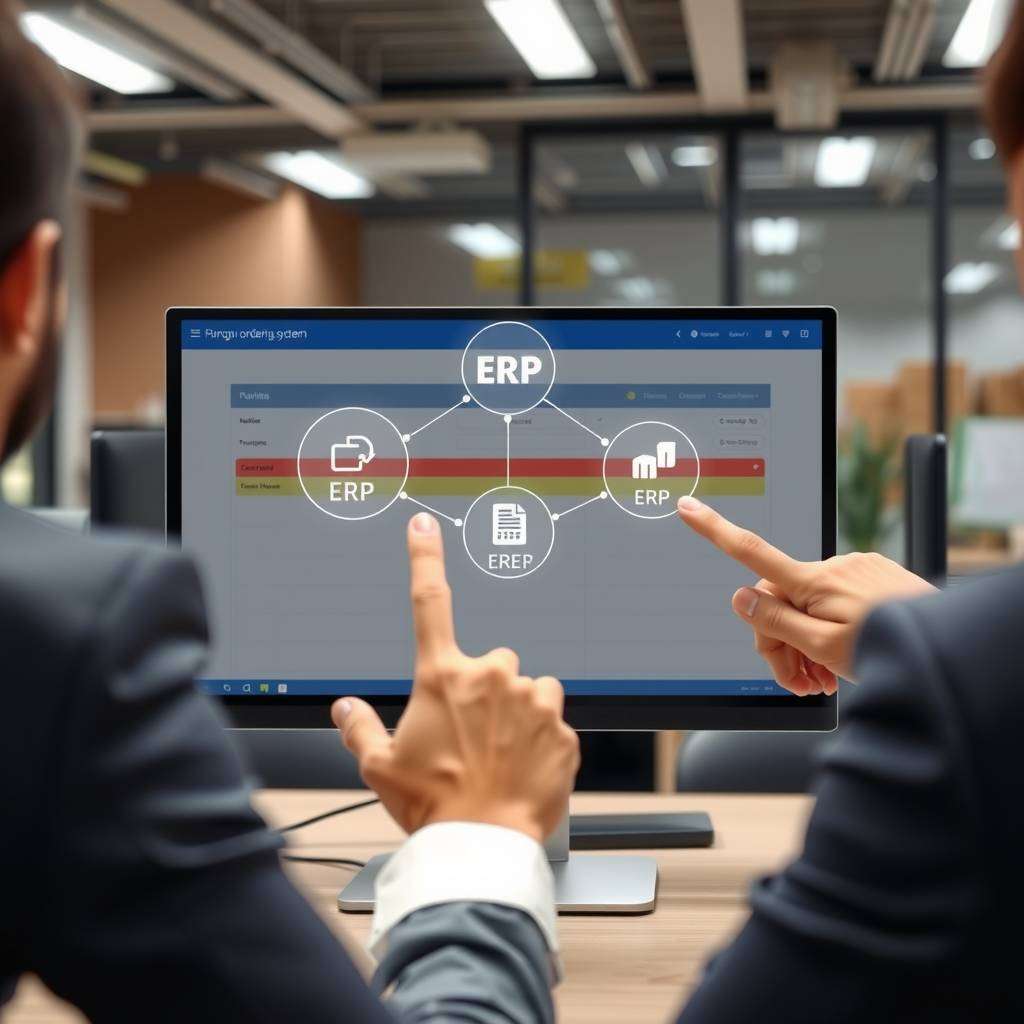
In today’s fast-paced business environment, seamless integration between procurement processes and enterprise resource planning (ERP) systems is crucial for operational efficiency and cost management. A well-integrated purchase ordering system ensures accuracy, reduces manual effort, and provides real-time visibility into procurement activities. Whether you’re considering implementing a new digital purchase order software or enhancing your current setup, understanding the integration process is key. This article provides a comprehensive guide on how to integrate a purchase ordering system with your existing ERP, highlighting best practices, technical considerations, and the benefits of adopting a cloud-based purchase order software solution.
Understanding the Importance of Integration
The core reason for integrating a purchase order system with your ERP is to streamline procurement workflows and eliminate duplication of data entry. When these systems work in harmony, procurement teams can generate and approve purchase orders directly within the ERP environment, ensuring consistency and reducing errors. Furthermore, integration provides real-time updates on purchase orders, supplier information, and inventory levels, facilitating better decision-making.
An electronic purchase order system, particularly a cloud-based purchase order software, offers flexibility and scalability that traditional on-premises solutions may lack. These types of po system software often come with native integration capabilities and APIs, simplifying the technical process.
Assessing Your Existing ERP Environment
Before initiating integration, it’s essential to evaluate your current ERP platform. Key considerations include:
- Compatibility: Check whether your ERP supports integration with external po system software or offers built-in modules for procurement.
- API availability: Determine if your ERP has robust Application Programming Interfaces (APIs) or other integration endpoints.
- Data architecture: Understand how purchase order data is stored and managed within your ERP.
- Customisation level: Ascertain needs for customisation to ensure a smooth integration process that aligns with your business workflows.
Consulting your ERP vendor’s documentation and support team can provide valuable insights into prerequisites and guidelines for integration.
Choosing the Right Purchase Order Software
Selecting the ideal software for purchase order depends on your organisational needs. A cloud based purchase order software that offers integration capabilities can provide enhanced agility, security, and accessibility. When choosing po system software, consider:
- Compatibility with your ERP: Ensure the solution supports seamless integration via APIs or pre-built connectors.
- User-friendliness: Opt for intuitive interfaces for procurement teams and approvers.
- Features: Look for features such as workflow management, supplier management, and analytics.
- Vendor support: Verify the vendor’s experience and support services for integration projects.
- Scalability: Ensure the software can grow with your business.
Many modern providers of electronic purchase order system solutions offer comprehensive integration modules, easing the technical workload.
Implementing an efficient purchase ordering system is essential for businesses aiming to streamline procurement processes. A reliable system simplifies order management, reduces manual errors, and improves tracking. For a comprehensive solution, visit https://cloudb2b.co.uk/ to explore innovative purchase ordering systems tailored to your needs. Enhancing your procurement workflow with the right technology boosts productivity and ensures timely deliveries, making your supply chain more resilient.
Planning the Integration
Successful integration begins with thorough planning. This involves setting clear objectives, defining workflows, and establishing data mapping protocols. Consider the following:
- Workflow alignment: Determine how purchase orders are created, approved, and transmitted within your current ERP.
- Data mapping: Identify how data fields in the po system correspond to fields in the ERP. For example, purchase order numbers, supplier IDs, item descriptions, quantities, and prices.
- Security and compliance: Ensure that data transfer complies with security standards and internal policies.
- Testing environment: Set up a sandbox or test environment to validate the integration before deploying it into production.
Engaging stakeholders from procurement, IT, and finance early in the planning process fosters a smooth transition.
Technical Implementation
Implementation typically involves technical development and configuration that varies depending on the chosen software and ERP platform. Here are key steps:
- API configuration: Set up secure API connections between the purchase order software and your ERP system. Many cloud based purchase order software solutions provide RESTful APIs or webhooks.
- Data sync configuration: Define the frequency and triggers for data transfer, such as real-time syncing or batch updates.
- Customisation: Adjust workflows, approval rules, and notifications within the po system to match organisational policies.
- User access controls: Implement appropriate permissions for users involved in purchase order processing.
It’s advisable to engage or consult with technical experts or vendor support during this phase to resolve compatibility issues or customisation needs.
Testing and Validation
Before fully deploying the integrated po system, comprehensive testing is essential to ensure accuracy and stability. Conduct tests for:
- Data integrity: Confirm that purchase orders, supplier data, and other relevant information transfer correctly.
- Workflow execution: Validate approval processes, notifications, and alerts.
- Error handling: Ensure the system responds appropriately to errors or inconsistencies.
- Performance: Test the system under typical load conditions.
Document the testing outcomes and make adjustments as necessary. Involving end-users during testing can help identify real-world issues and improve overall usability.
Deployment and Training
Once testing confirms the integration’s stability, you can proceed to deployment. Here are best practices:
- Gradual rollout: Start with a pilot phase involving a limited user group to troubleshoot unforeseen issues.
- User training: Conduct comprehensive training sessions for procurement staff, finance teams, and approvers.
- Support mechanisms: Establish helpdesks or support contacts to assist users during the initial implementation phase.
- Monitoring: Continuously monitor the system’s performance and user feedback to address any ongoing concerns.
Documentation and ongoing support play key roles in ensuring the smooth operation of your integrated po system.
Maintenance and Continuous Improvement
Integration is not a one-off project but an ongoing process. Regular maintenance includes:
- Updating software: Keep both your po system and ERP updated to leverage new features and security patches.
- Reviewing workflows: Periodically assess procurement workflows for optimisation opportunities.
- Data audits: Regularly audit data consistency across systems.
- Scaling: Expand integration capabilities as your business grows or your processes evolve.
Engaging with your software provider for updates, along with internal periodic reviews, will maximise the benefits of your integrated purchase ordering system.
Integrating a purchase ordering system with your existing ERP is a strategic investment that streamlines procurement, improves accuracy, and provides valuable insights into your supply chain. Whether opting for a cloud based purchase order software or upgrading your current system, methodical planning, technical precision, and ongoing maintenance are the cornerstones of a successful integration. By adhering to these guidelines, organisations can unlock new levels of efficiency and control in their procurement process.
Comments are closed